Introduction: why is everyone talking about headless?
A few years ago most websites and stores ran on traditional CMSs: WordPress, OpenCart, Joomla. It was fast and convenient until the business started to grow. Then problems appeared: the site slowed down, the design was limiting, integrations became complicated, and SEO required manual "dancing with a tambourine".
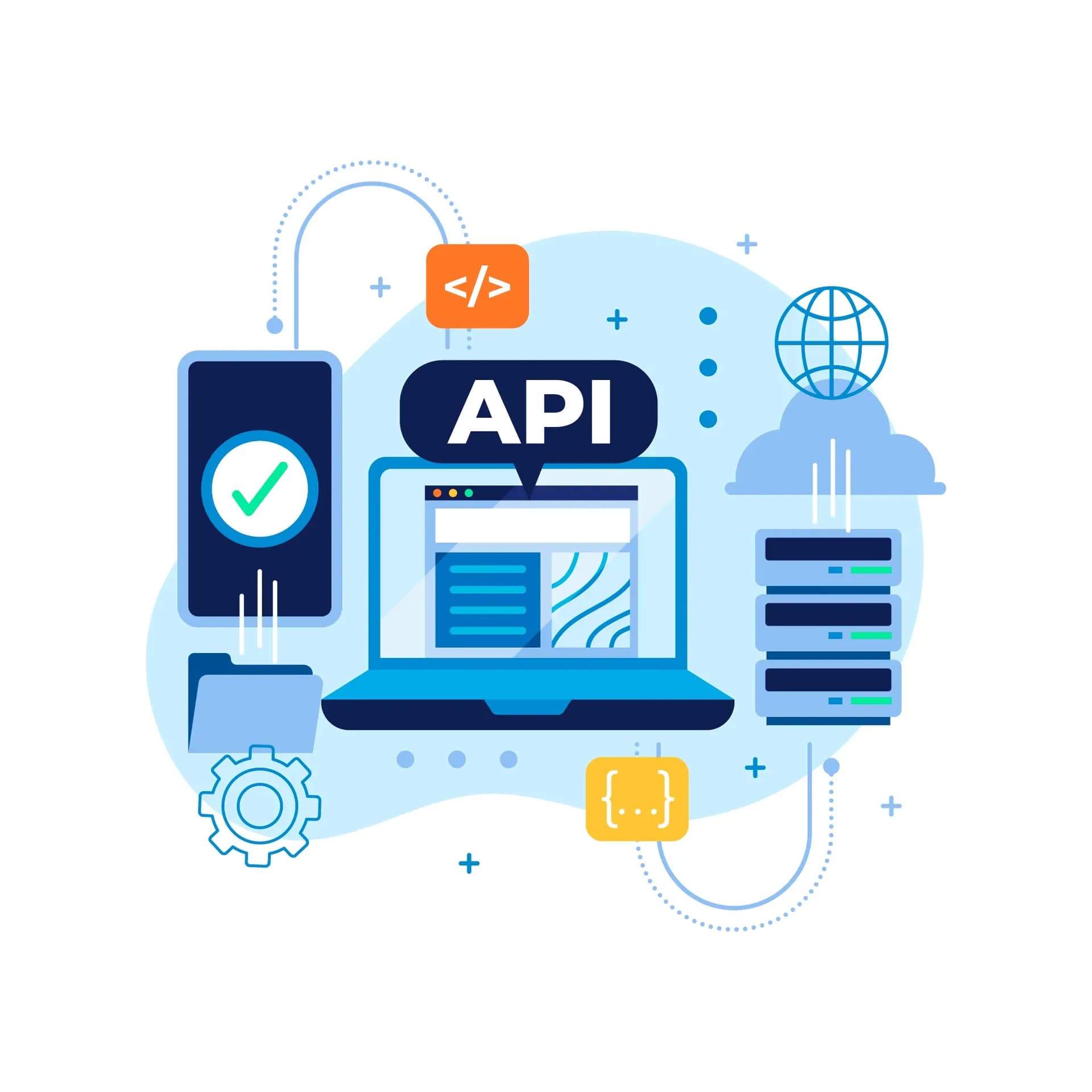
At that point headless architecture entered the scene. It gives business freedom: the frontend and backend are separated, and content can be managed through an API.
What is headless architecture?
To simplify, headless means your system has a "body" (content and data) but no "head" (a ready-made interface). You decide how the content will be shown: on a website, in a mobile app, on in-store screens or even in chatbots.
For example, a CMS like Directus or Strapi acts as the "backend", and the frontend can be built on Nuxt, Next.js or React. This gives full control over exactly how the user sees your product.
When does a business need headless architecture?
Not every startup needs headless right away. If you have a small business-card site or a simple blog, the traditional approach may be enough. But there are moments when headless becomes indispensable.
- A large product catalog. If you have 1000+ items, headless lets you load pages quickly and manage data.
- Multilingual support and global markets. When a business goes beyond one country, headless makes working with several languages easier.
- Integrations with CRM, ERP and marketing. If you need automation, headless is more flexible and reliable.
- Omnichannel. A single piece of content can be shown on the web, in a mobile app, on marketplaces and even in voice assistants.
- A focus on speed. A Page Speed above 90 becomes achievable thanks to optimization and the absence of unnecessary plugins.
A practical example
Imagine an online store that sells clothing in several countries. The catalog has over 5,000 products. You need to show different prices depending on the currency, work with several languages, sync data with an ERP and quickly change content in the mobile app.
On a traditional CMS this would look like an endless compromise: "either speed or functionality".
With headless architecture the backend manages the data and the frontend instantly pulls it in the needed format. As a result, the site flies, SEO works and the marketing team adds new products on its own.
Which technologies are usually used?
In a headless environment the most commonly used are:
- Front-end: Nuxt.js, Next.js, React, Vue.
- Back-end: Directus, Strapi, Sanity.
- Cloud integrations: AWS, Vercel, Netlify.
This gives flexibility: you can assemble an architecture for a specific business rather than fit the business to a platform.
FAQ: what people ask most often about headless
1. Does everyone have to move to headless?
No. If the site is small and doesn't need to scale, you can stay on a classic CMS.
2. Is this solution more expensive?
At first, yes, but in the long run it pays off thanks to speed, SEO and flexibility.
3. Is headless hard to maintain?
Convenient CMSs with a UI (for example, Directus) make management simple even for non-technical users.
4. Does headless affect SEO?
Yes, and positively. Thanks to SSR pages are indexed quickly and optimization becomes transparent.
Maybe don't delay?
If your business is growing and the site can no longer cope with speed, SEO or integrations, headless architecture is the next step.
👉 Order an audit from Complex Agency and we'll show exactly how headless can help your project scale without limits.